Security
Your Tesla account matters more than your trip stats. Here's exactly how evabouts.app treats it.
No Tesla password to steal
You sign in on Tesla's own site (industry-standard OAuth). Your Tesla password never touches evabouts.app — we never see it, so we can never lose it.
Tokens encrypted at rest
The long-lived Tesla token is stored AES-256-GCM encrypted with a random IV per token. The encryption key lives as a Workers secret, outside the database — a database leak alone can't expose tokens.
Short-lived access tokens
Working tokens are cached only until shortly before Tesla expires them, then discarded and re-derived. Nothing long-lived sits around in plaintext.
No access to your car's controls
We request vehicle data, location, and charging scopes — no driving, unlock, or access scopes, ever. (Tesla bundles Supercharging receipts behind its charging scope; we use it only to read your billed sessions.) We couldn't unlock, start, or drive your car if we wanted to: Tesla never gave us the permission, and permissions can't be widened without you signing in again and approving it.
The one thing we can send
Your car needs one message from us before it can stream: a configuration telling it where to send its data and which certificate to trust. It's signed with a virtual key you add yourself in the Tesla app, and it's the only thing we ever send your car. Remove that key from the car's Locks screen and it stops — no streaming, no messages, nothing, and no trips recorded.
You control access
Revoke evabouts.app anytime from your Tesla account's security settings, or disconnect under Settings here. Either one cuts us off immediately.
Network encryption
Every connection — browser to us, us to Tesla — is TLS encrypted end to end on Cloudflare's edge.
Hashed passwords + MFA
Your evabouts.app password is hashed with scrypt (never stored or logged in plain text), sessions are httpOnly secure cookies, and TOTP two-factor with backup codes is available in Settings.
Location privacy built in
A 5-mile privacy zone around trip endpoints (and your home) is enforced server-side on every public share and card — it cannot be turned off for public links. Weather lookups store coordinates rounded to ~7 miles.
Photos are screened before they're stored
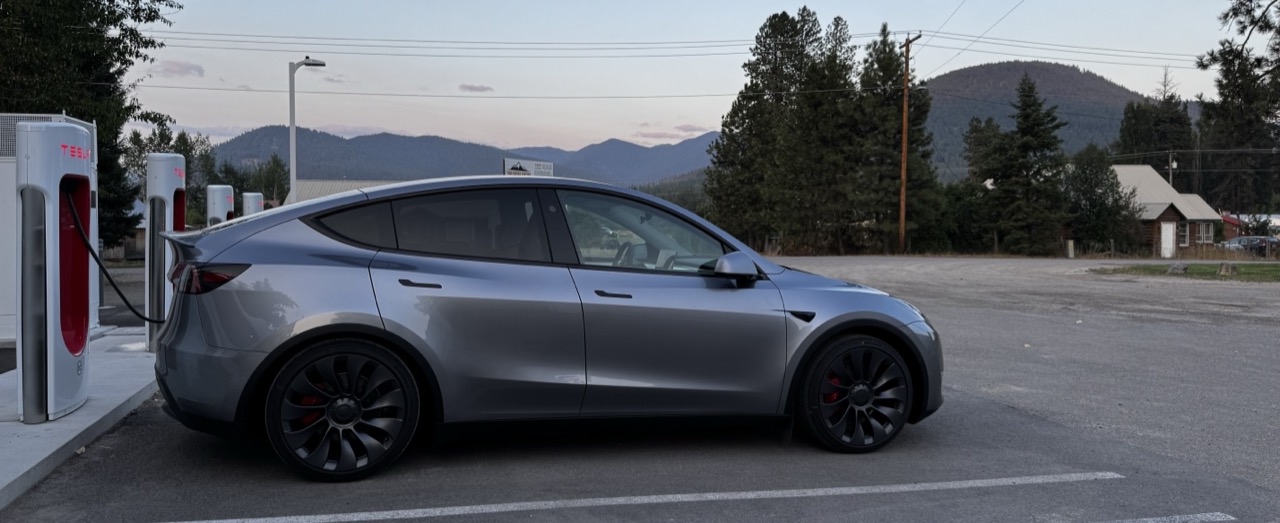
Every trip photo is checked by an AI vision model before it touches storage. Upload a sunset at a Supercharger and it appears in about two seconds; upload something explicit and you get an instant rejection — nothing is saved. If the screen itself can't reach a verdict, we reject and ask you to retry: never store first, check later.
Delete everything, for real
Account deletion wipes your trips, routes, tokens, sessions, and vehicle photos permanently. Share links stop resolving the moment it runs.
How the Tesla connection works
- 1
Sign in with Tesla
A one-time OAuth sign-in on tesla.com connects your account — the same standard your bank apps use.
- 2
We hold a scoped token
Tesla hands us a randomized, read-only token. We encrypt it at rest and use it for your trip history and billed charging sessions — the drive itself arrives from the car, which sends its own readings.
- 3
You stay in charge
Review or revoke access anytime from your Tesla account dashboard. Revocation takes effect immediately.
How photo screening works
- 1
You add a photo
Big phone shots are downscaled right in your browser — nothing full-size ever leaves your device.
- 2
AI screens it first
A vision model checks the image before anything is stored. No verdict, no storage — ever.
- 3
Then it goes live
Accepted photos appear on your share page in seconds. Deleting one kills its link immediately.
Found something we should fix? Tell us first: support@evabouts.app